Home Automation
Lights, locks, climate, scenes and sectors — drive every HomeKit accessory with a single tap or schedule.
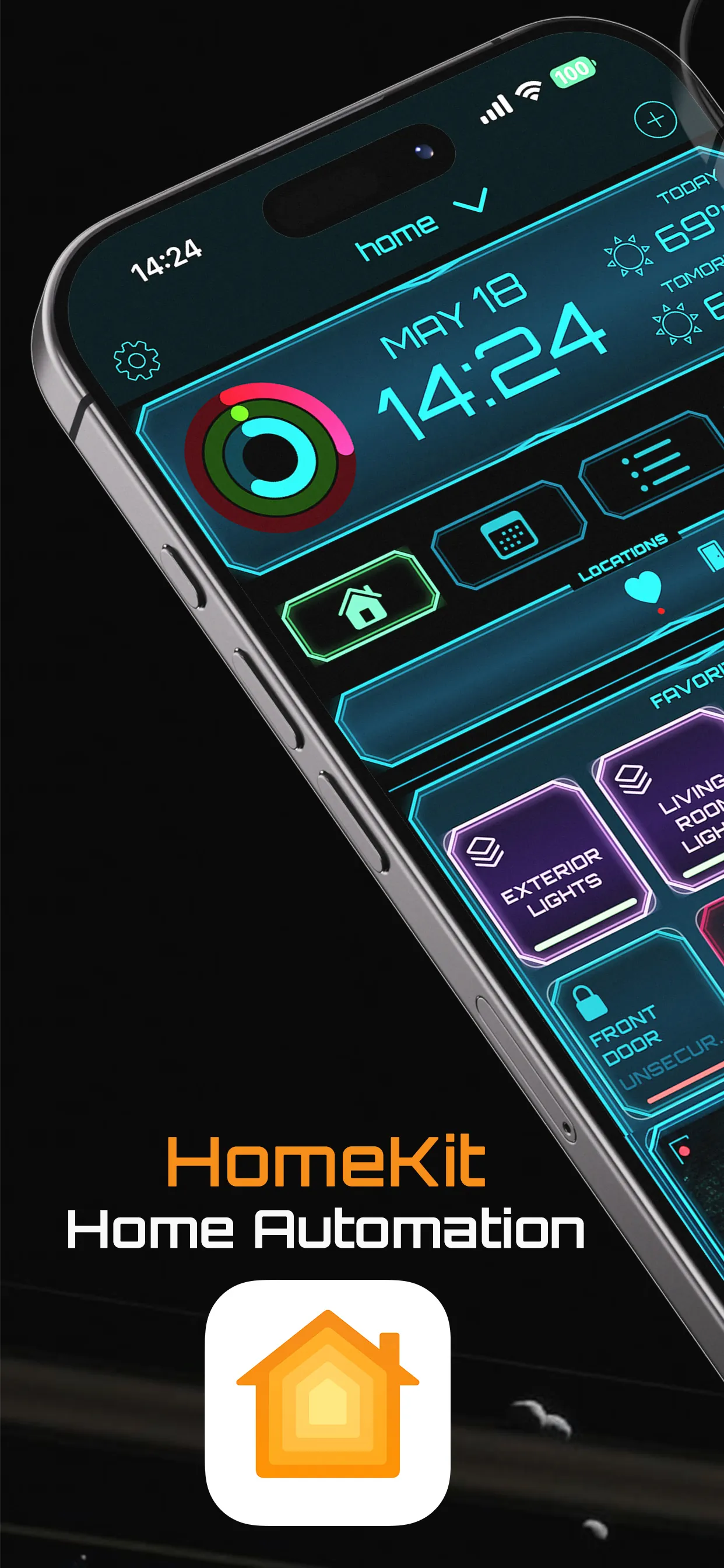
SCENES · SECTORSPowerHouz is the only iOS app built exclusively for the Apple Home ecosystem — Home, Calendar, Reminders, Health and more — fusing automation, security, communication, energy and scheduling into one cinematic command deck.
Works exclusively with the Apple Home ecosystem ↗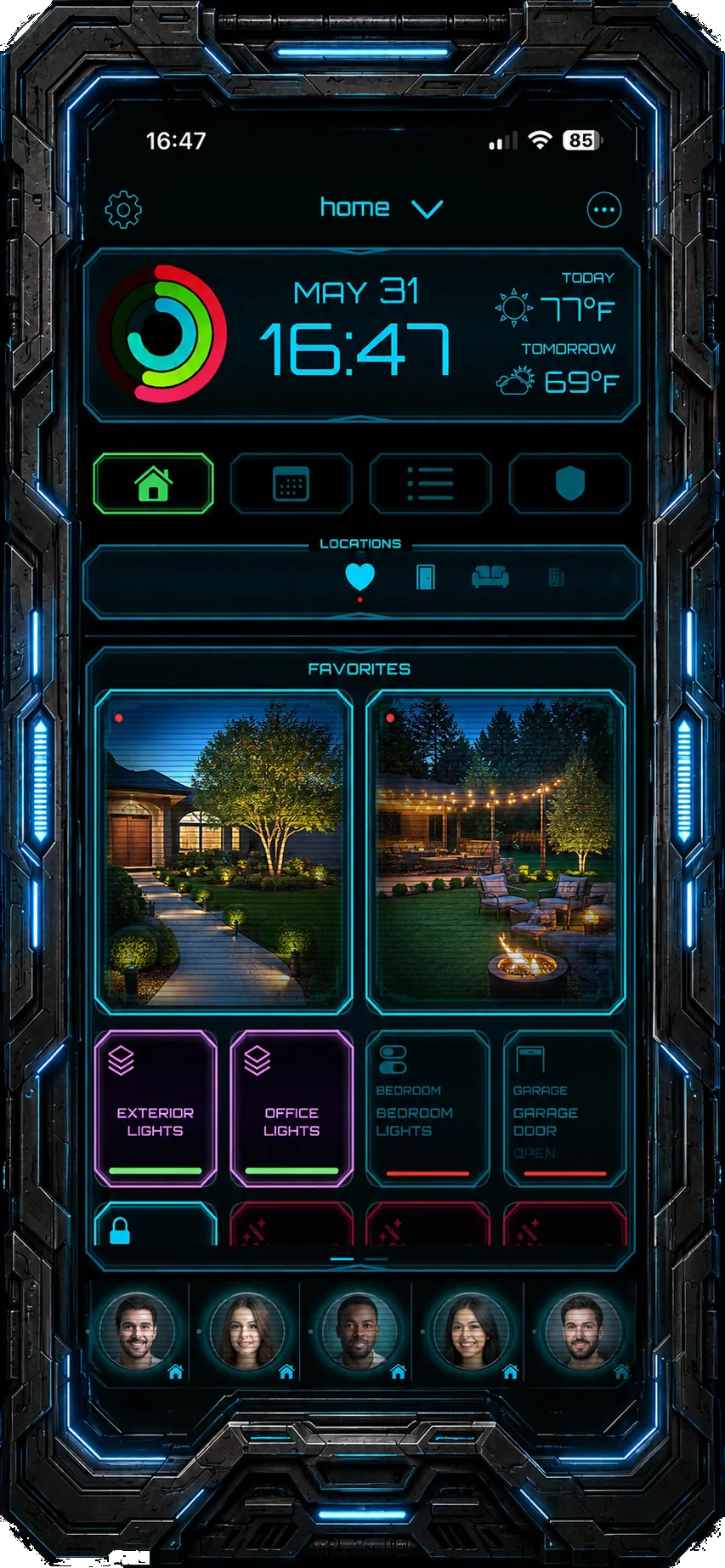
Six integrated subsystems replace a drawer full of apps. Each one re-skinned in a glowing heads-up interface that makes control feel effortless.
Lights, locks, climate, scenes and sectors — drive every HomeKit accessory with a single tap or schedule.
SCENES · SECTORSA proactive defense layer with risk-based automated actions, emergency protocols and instant alerts.
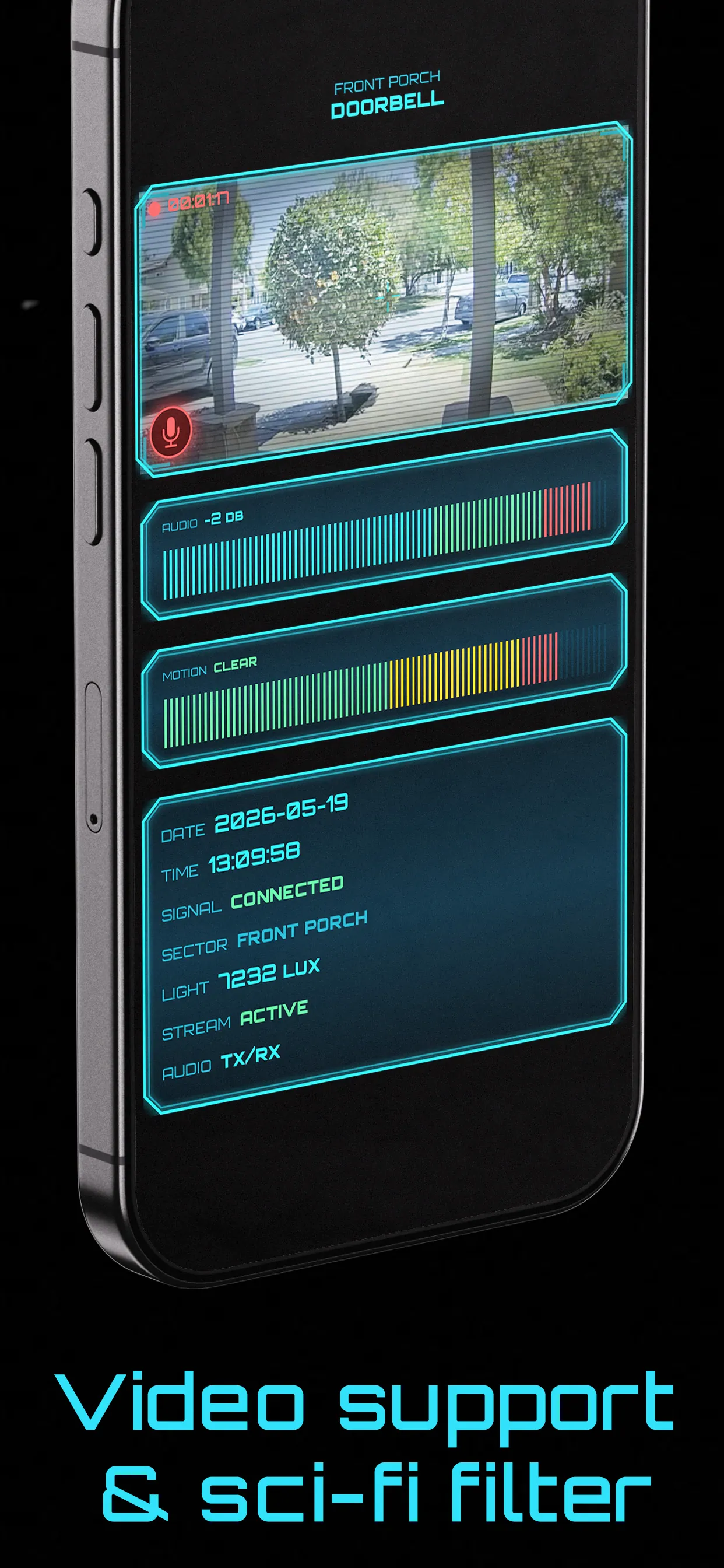
SURVEILLANCE MODEAudio intercom, video and messaging with residents, neighbors, emergency and home services — all in-app.
INTERCOM · SHIP LOGMonitor consumption, optimize loads and let automations cut waste while you sleep.
OPTIMIZATIONCalendars, reminders and weather forecast fused into your dashboard so the home stays a step ahead.
CALENDAR · WEATHERHealthKit activity rings, sleep tracking and a luminous Night Stand mode for a calm bedside companion.
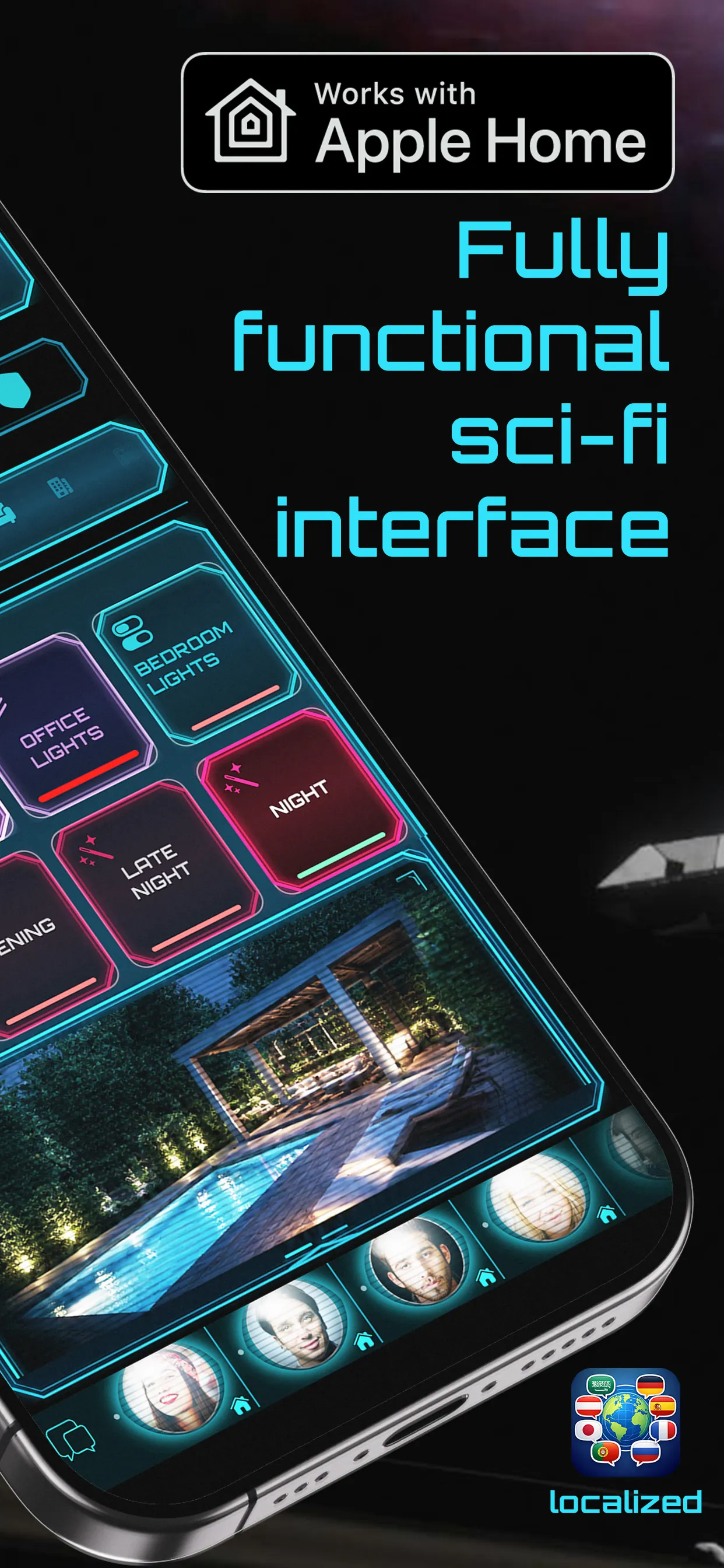
HEALTHKITEvery screen redesigned as a living HUD — neon telemetry, glowing controls and depth that reacts to you.
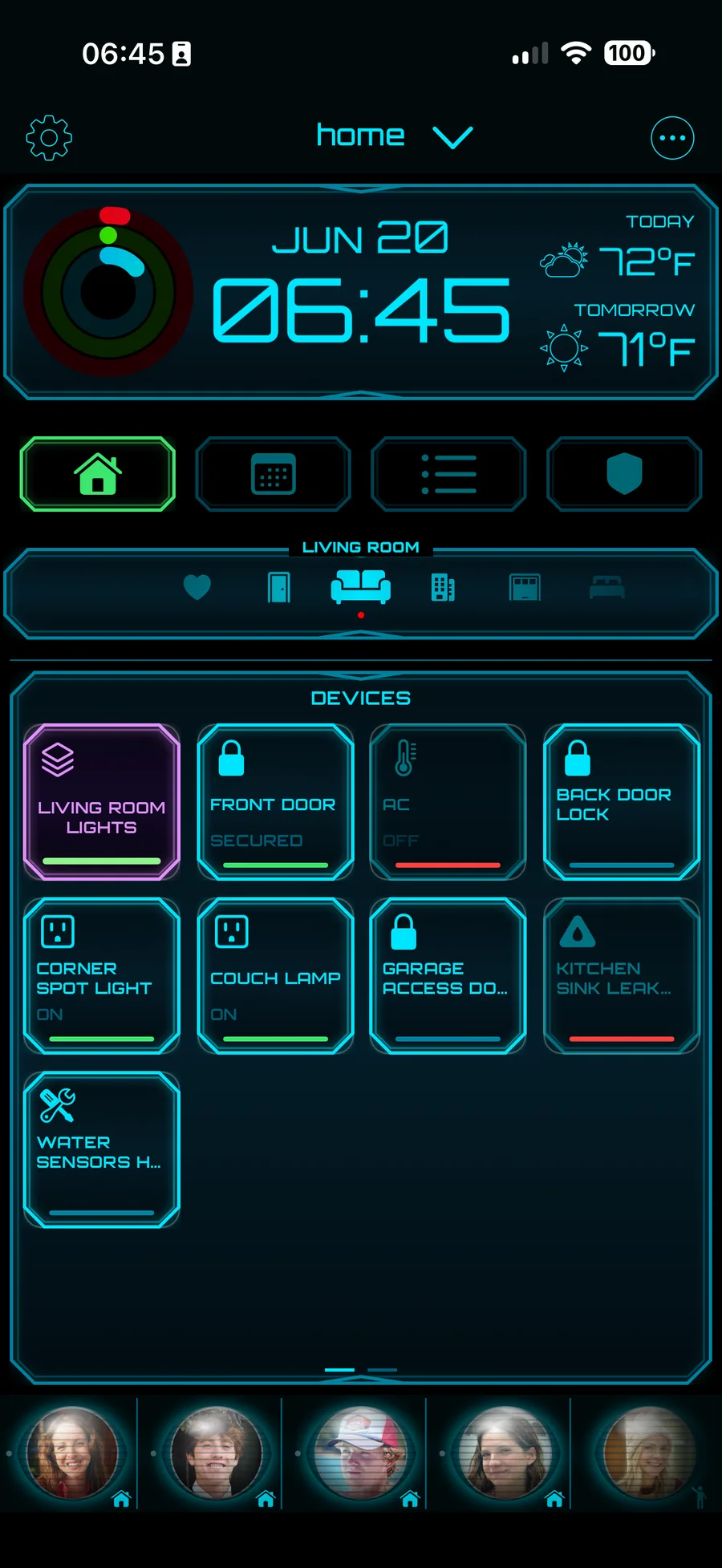
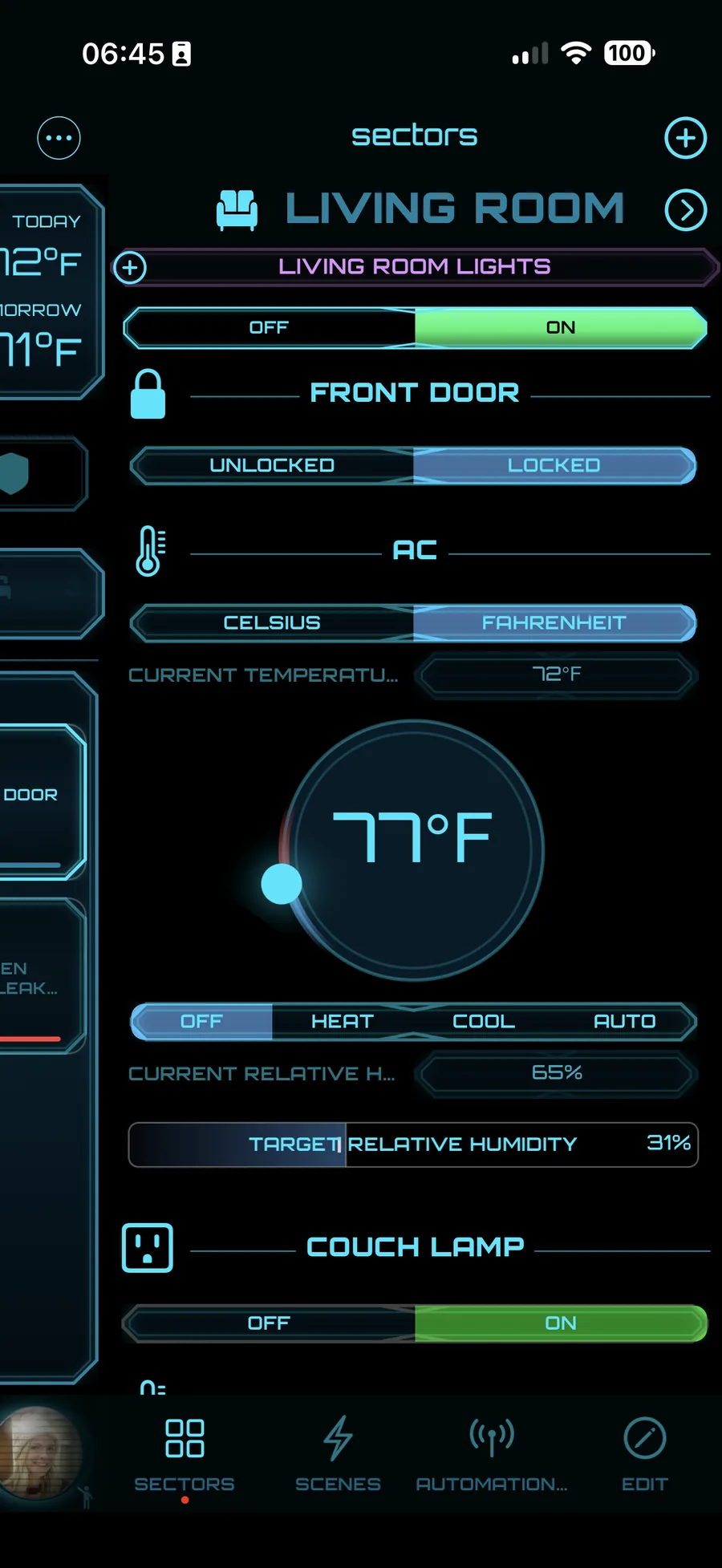
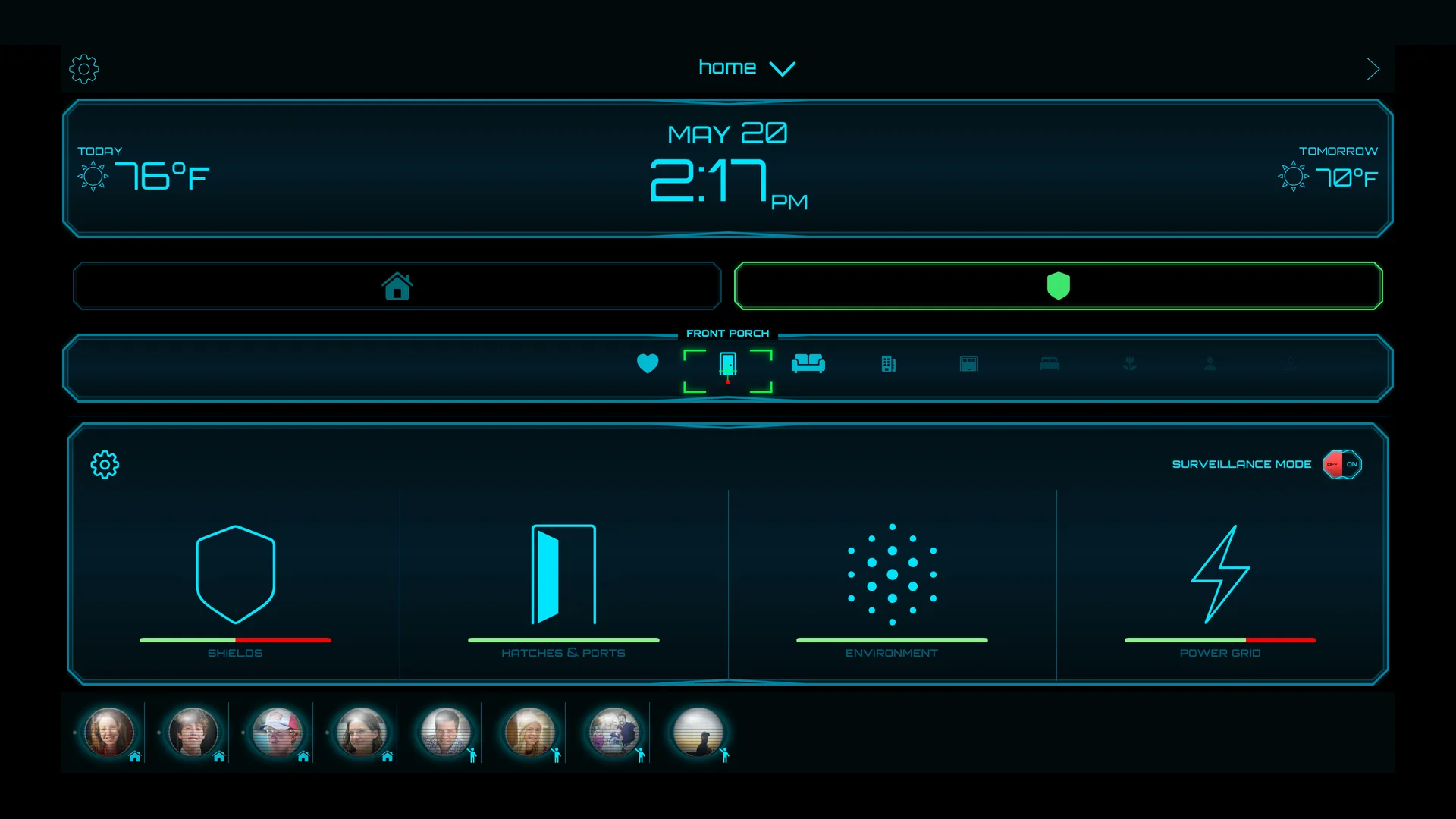
Group accessories into sectors. Climate dials, door locks, lighting strips and lamps respond instantly with animated feedback — toggle a whole room from one glowing panel.
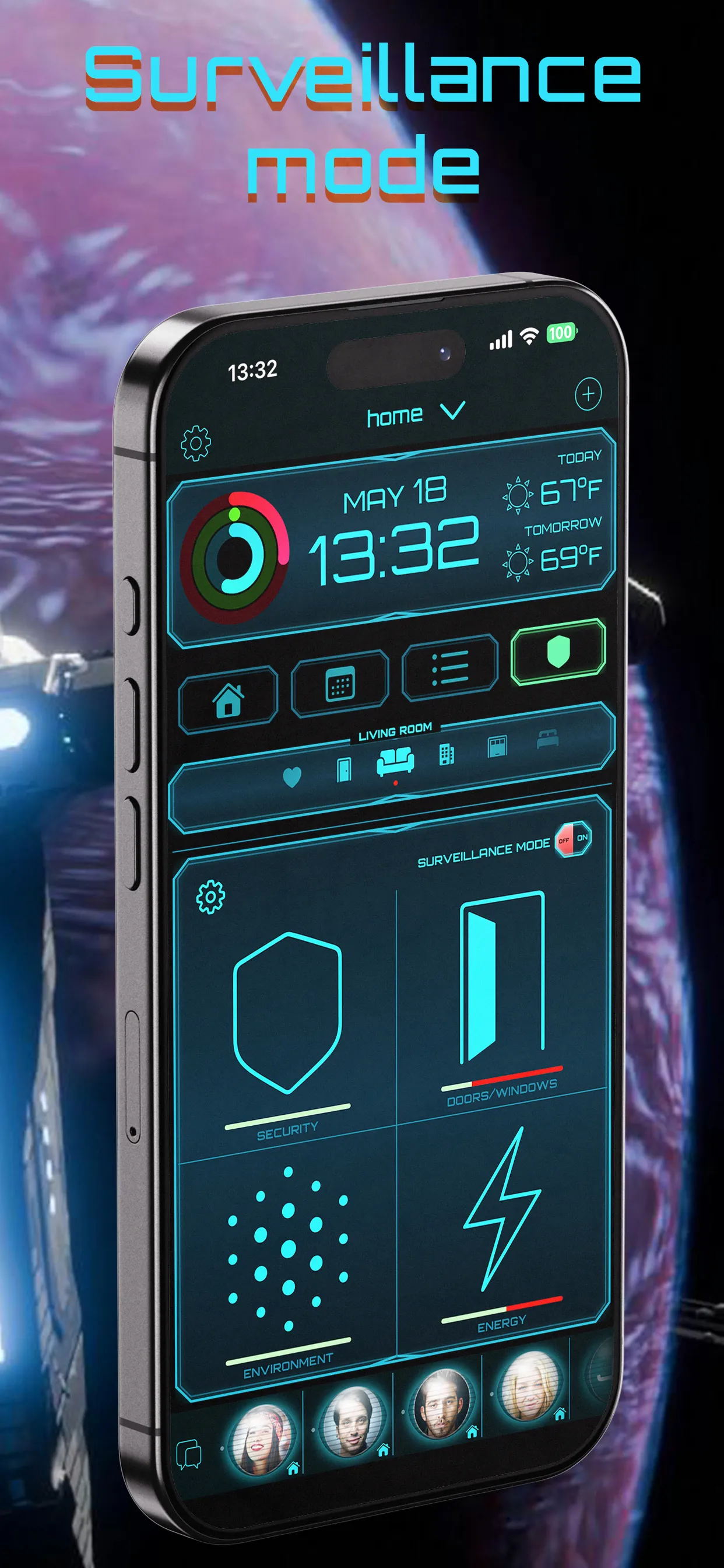
One switch shifts the home into a proactive defensive posture. Security, doors & windows, environment and energy collapse into a single tactical overview with automated actions tuned to the current risk level.
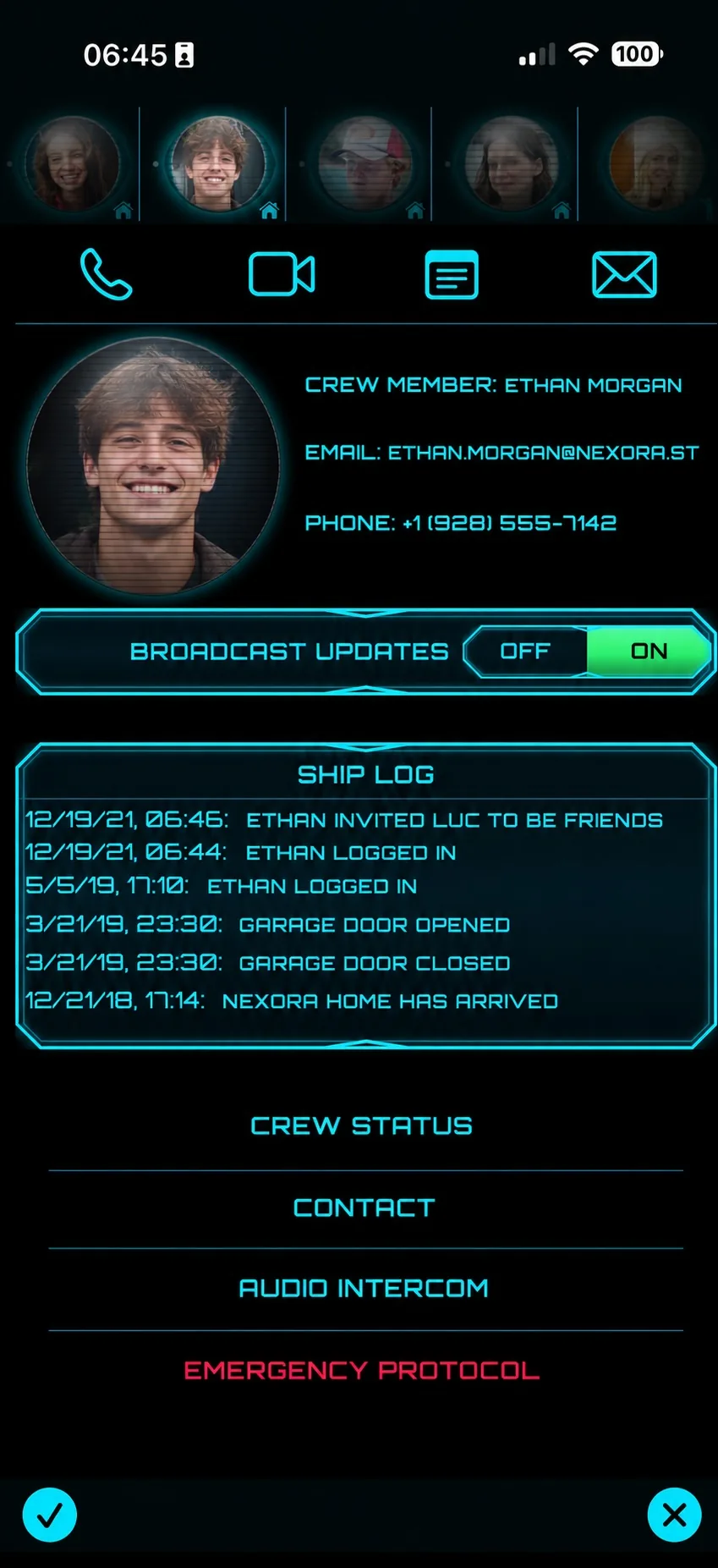
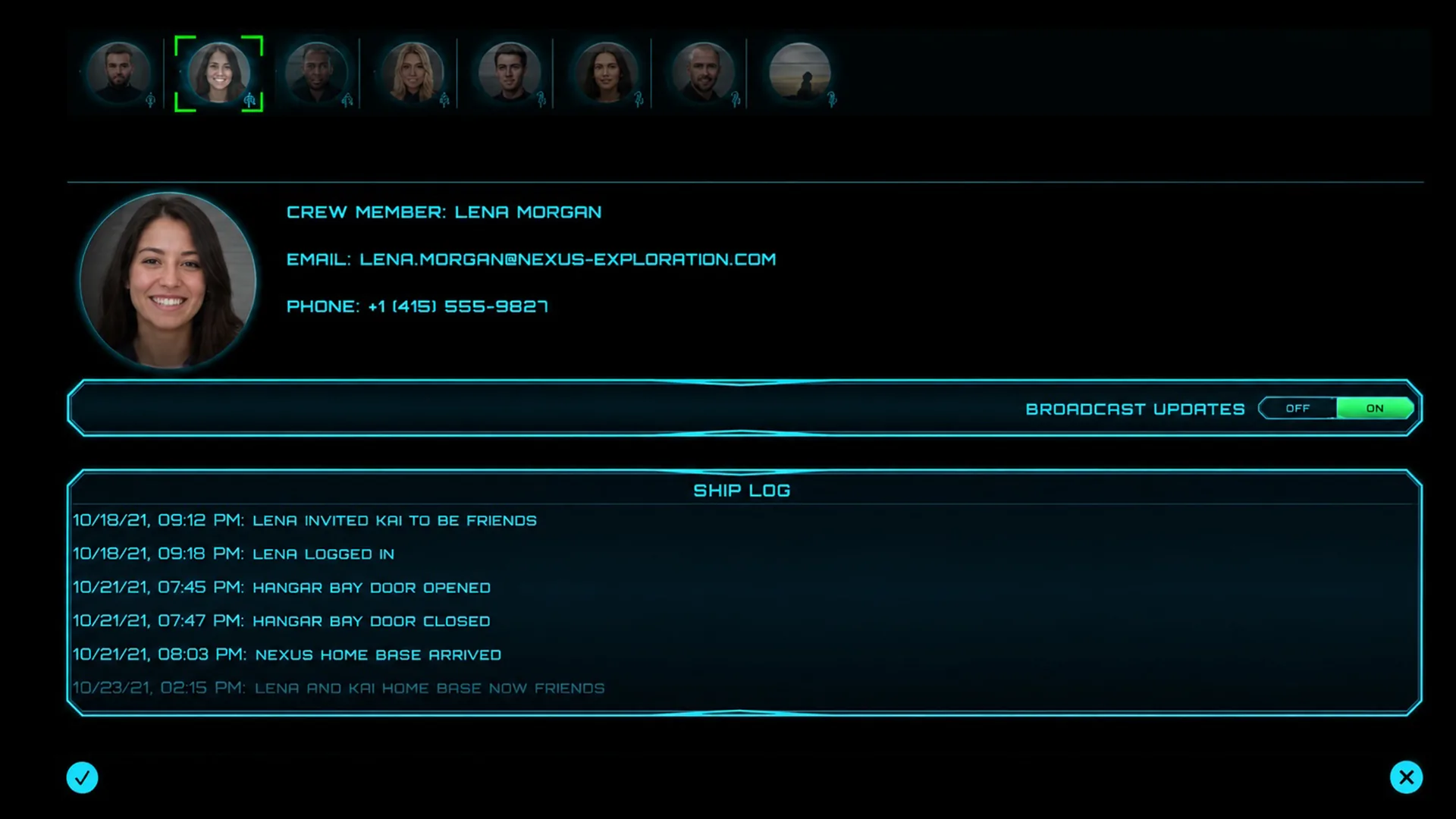
Call, video, message or broadcast to residents and services. The ship log keeps a timeline of every event — who arrived, what opened, what was secured — so the household always stays in sync.
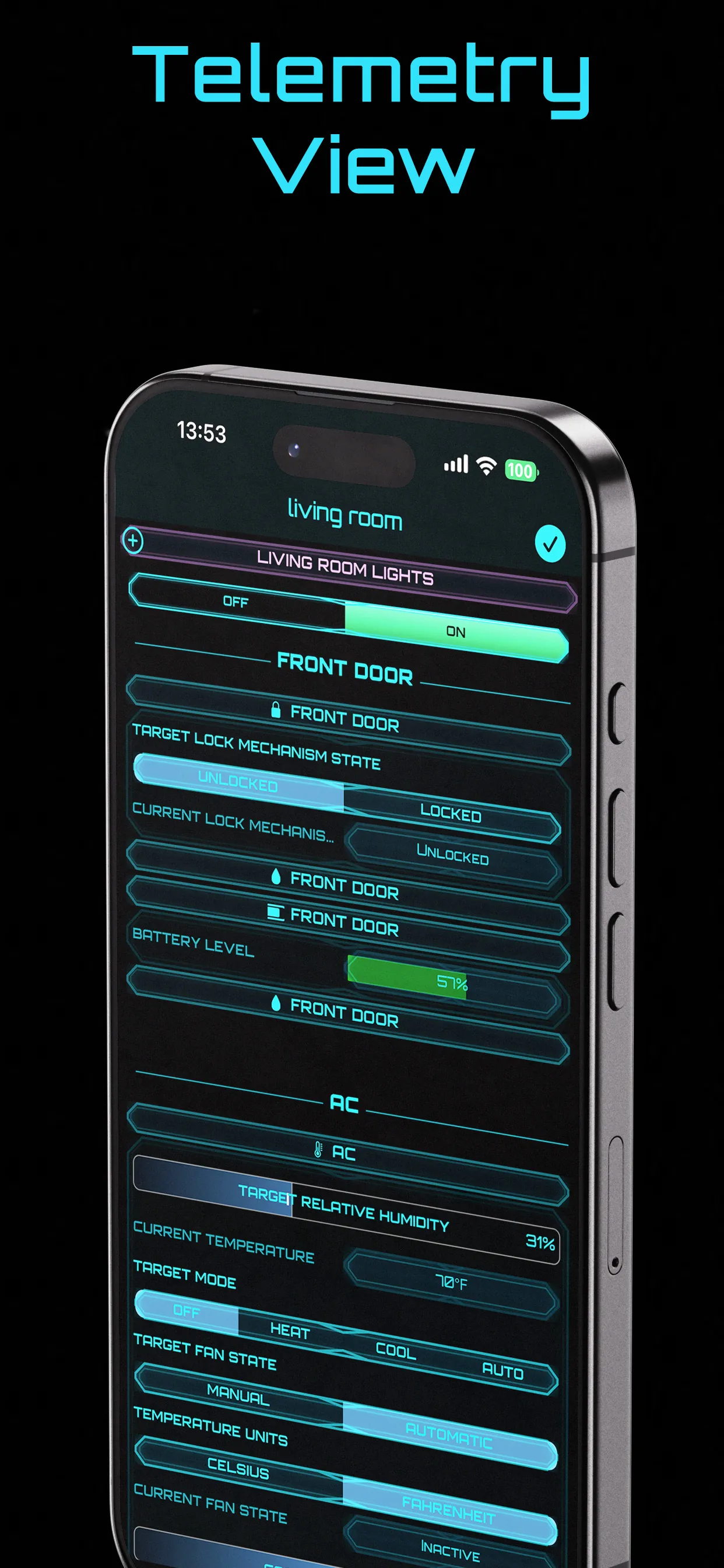
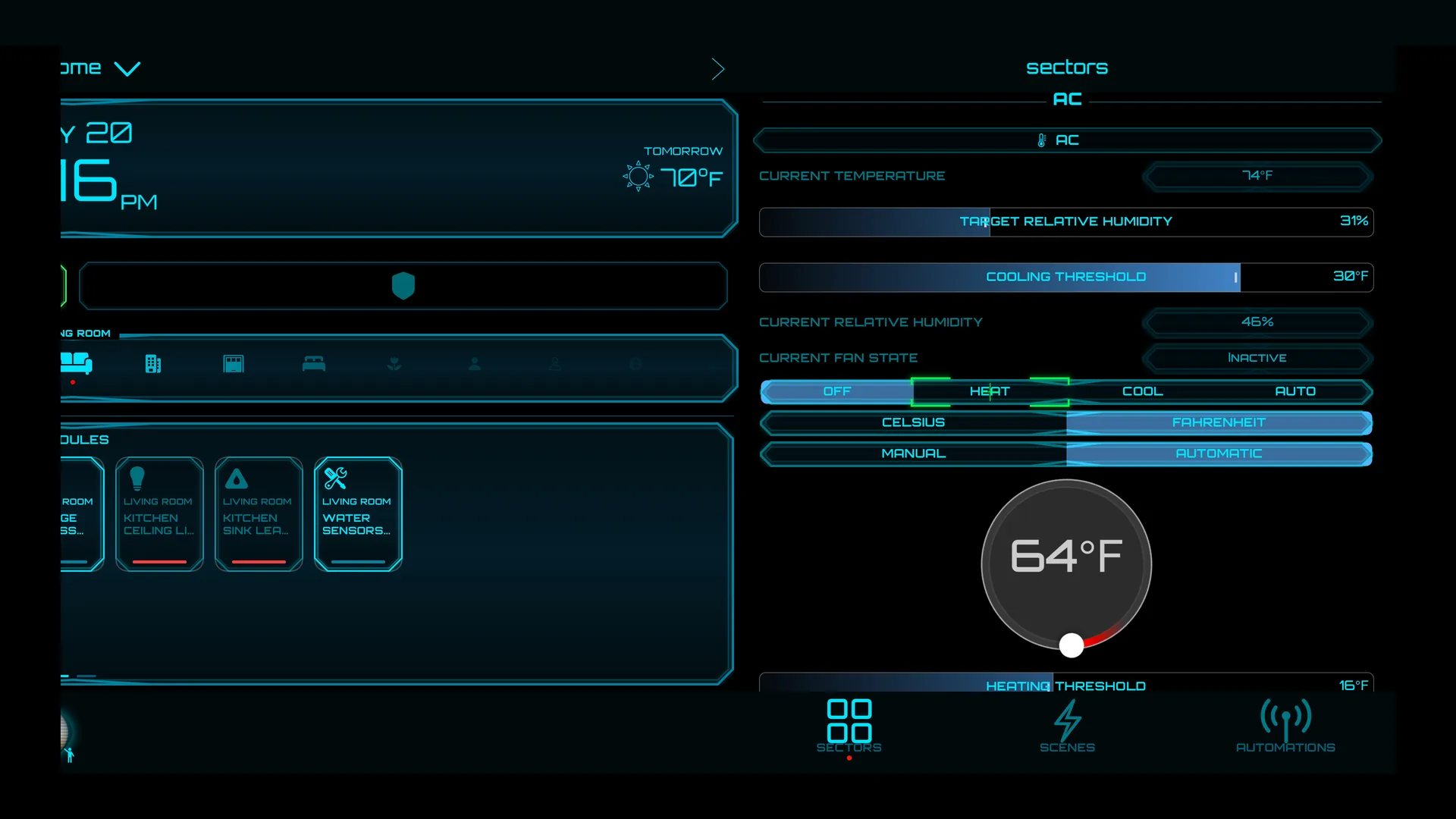
Drill into any device for full diagnostics — lock mechanism state, battery levels, humidity, fan modes and temperature — laid out like a flight console you can actually read.
Swipe through the deck. Every pixel engineered to make home control feel like piloting a ship.
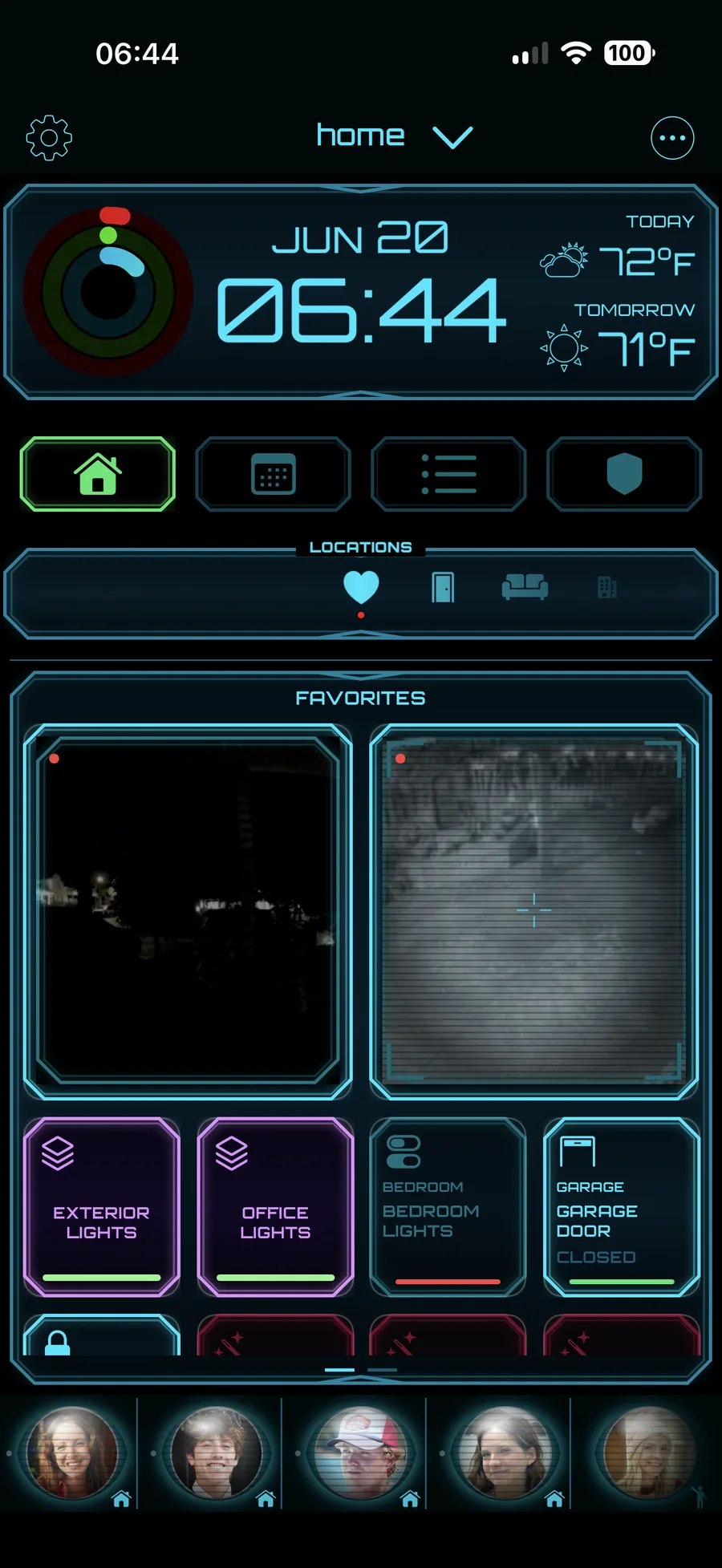
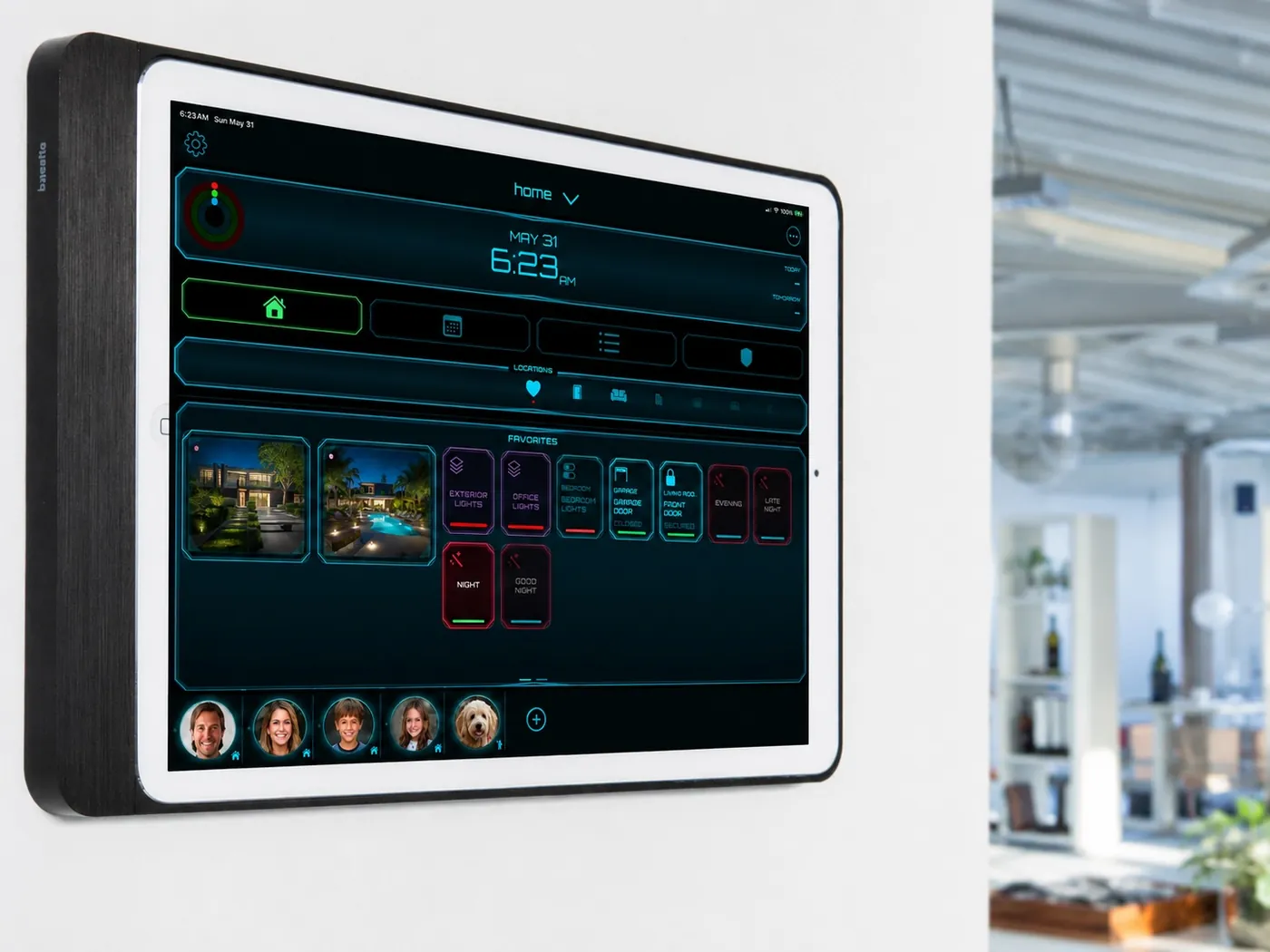
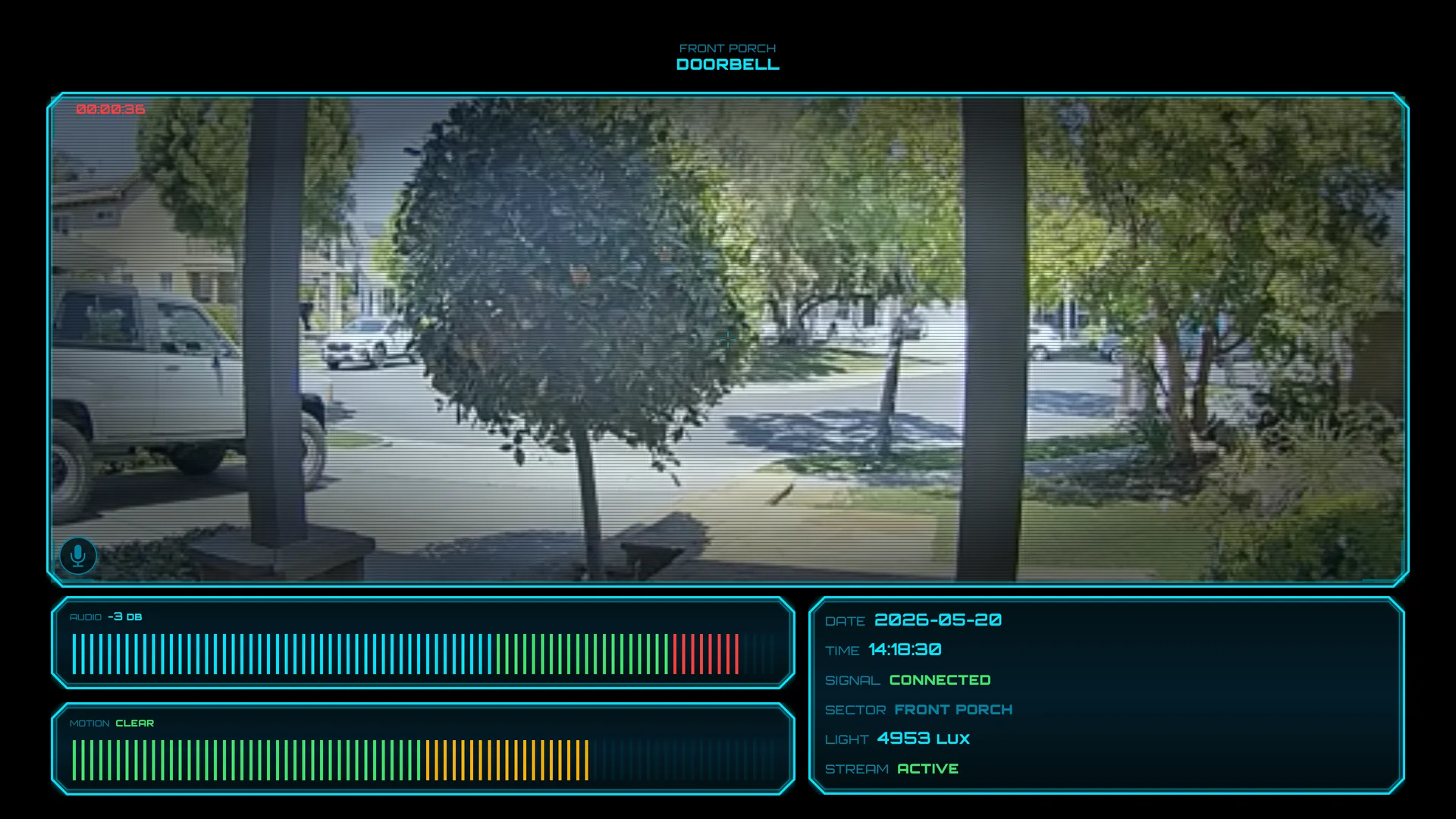
On iPad, PowerHouz becomes a wall-mounted Home Portal — a permanent mission-control display for the whole household. Glance the time, weather, vitals, favorites and live cameras the moment you walk in.
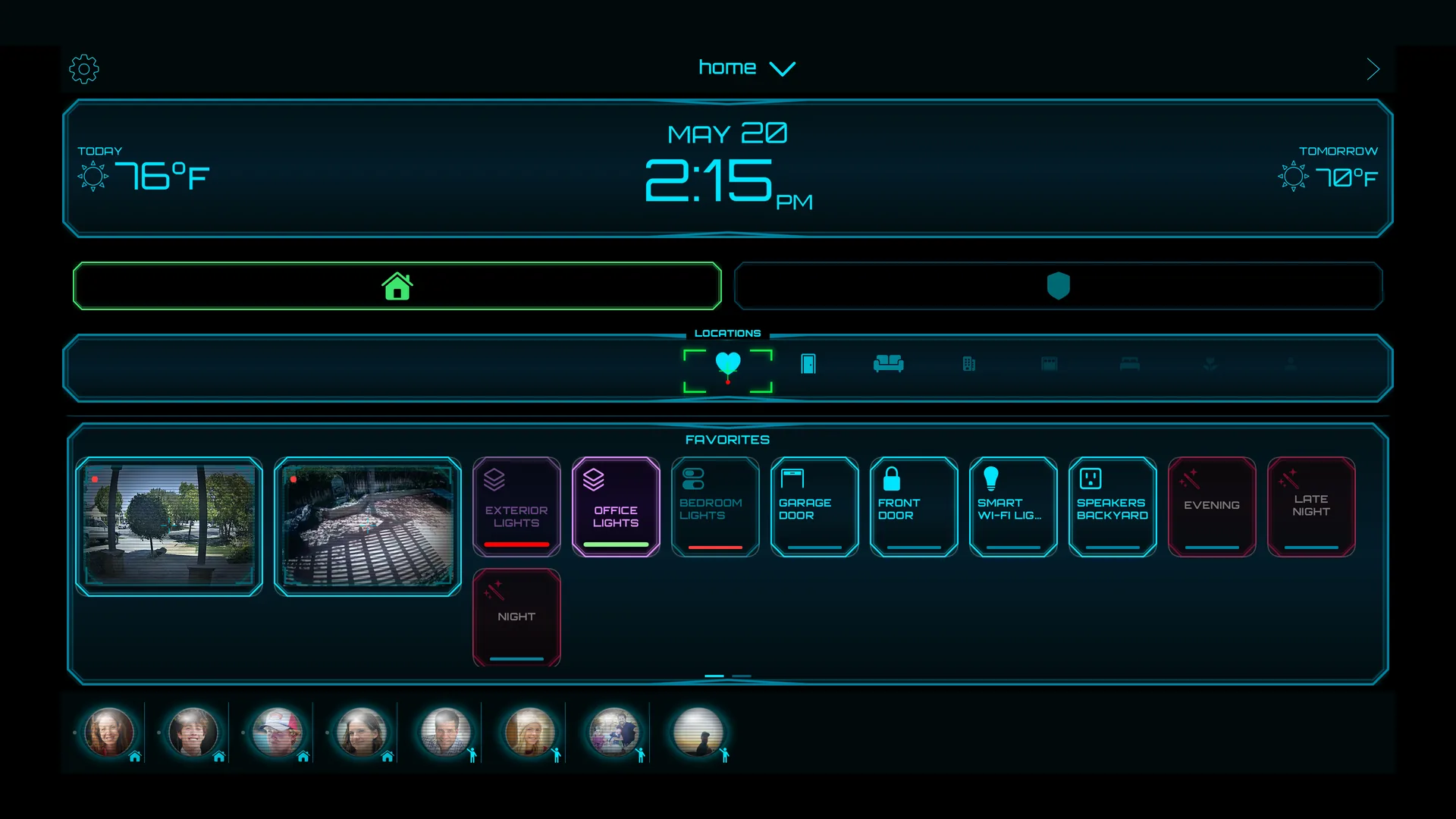
PowerHouz takes over your living room on Apple TV — a cinematic mission-control view for the whole home, built for the couch.
Beyond the app, PowerHouz connects you to a licensed installer network — from a single sensor to a full smart-home retrofit.
Licensed electrician installers configure hubs, sensors, cameras, switches and lighting — done right, first time.
Professional security setup and energy optimization tuned to your home's layout and habits.
Get guided help right from your iPhone or iPad. Share your screen, we walk you through it.
Tell us what you want automated. We scope it and send a free, no-pressure quote.
PowerHouz is a Universal app that runs seamlessly across the Apple ecosystem, works exclusively with Apple Home, and speaks six languages.
Download and run your home for free. Unlock the full command deck with Premium — and sharing is free for everyone, always.
Everything you need to start commanding your Apple Home.
The entire deck, unlocked — for less than a coffee a month.
Prices shown in USD and may vary by region. Subscriptions auto-renew unless cancelled. Manage anytime in your Apple ID settings.
Everything you need to know before you launch.
PowerHouz is an iOS app that unifies Home Automation, Security, Communication, Energy Management and Scheduling for your Apple Home — wrapped in a futuristic, sci-fi command-deck interface.
Yes — PowerHouz works exclusively with the Apple Home ecosystem. Built natively on Apple HomeKit, it needs an iPhone or iPad (a Universal app that also runs on Apple Watch and Apple TV), the Apple Home app and HomeKit-compatible accessories. It does not work with Google Home, Alexa or other platforms.
Download and core control are free, including collaboration and sharing. Premium unlocks unlimited accessories, Surveillance Mode, crew communication, energy management and more — from just $0.99/month or $5.99/year.
A one-switch defensive posture that collapses security, doors & windows, environment and energy into a single tactical view, then runs automated actions tuned to the current risk level — with emergency protocols and instant alerts.
Yes. Your HomeKit data is managed by Apple and synced through your iCloud Keychain — PowerHouz doesn't store it on its own servers. Health data stays on-device. See our Privacy Policy.
Absolutely. We connect you to a network of licensed electrician installers for hubs, sensors, cameras, switches, lighting and full retrofits. Request a free quote below.
PowerHouz is localized in six languages, with more added over time.
Tell us what you want to control and where you are. Our licensed installers will scope it and send a free, no-pressure quote.
Everything a journalist needs to cover PowerHouz — facts, boilerplate, assets and a direct line.
PowerHouz is the only iOS app that integrates Home Automation, Security, Communication, Energy Management and Scheduling into a single experience for Apple Home. Its 2026 release reimagines the entire interface as a cinematic, sci-fi command deck — turning everyday home control into something that feels like piloting a starship. Built natively on Apple HomeKit, it runs across iPhone, iPad, Apple Watch and Apple TV, and can transform a wall-mounted iPad into an always-on “Home Portal.” PowerHouz is published by ZysCo S Corp.
“PowerHouz turns your Apple Home into a command deck — uniting automation, security, energy and communication in one beautifully futuristic interface. Published by ZysCo S Corp.”
The app icon, high-resolution iPhone, iPad and Apple TV screenshots, and device renders — packaged and ready to drop into an article.
Download PowerHouz and turn your Apple Home into a command deck today.
Download on the App Store Free to download · In-app premium · Requires iOS & the Apple Home app